
Anyone running a tour company, a place to stay or a restaurant in Tanzania can list on TTO. It takes about five minutes, and you can finish your profile later.
Start on the partners page
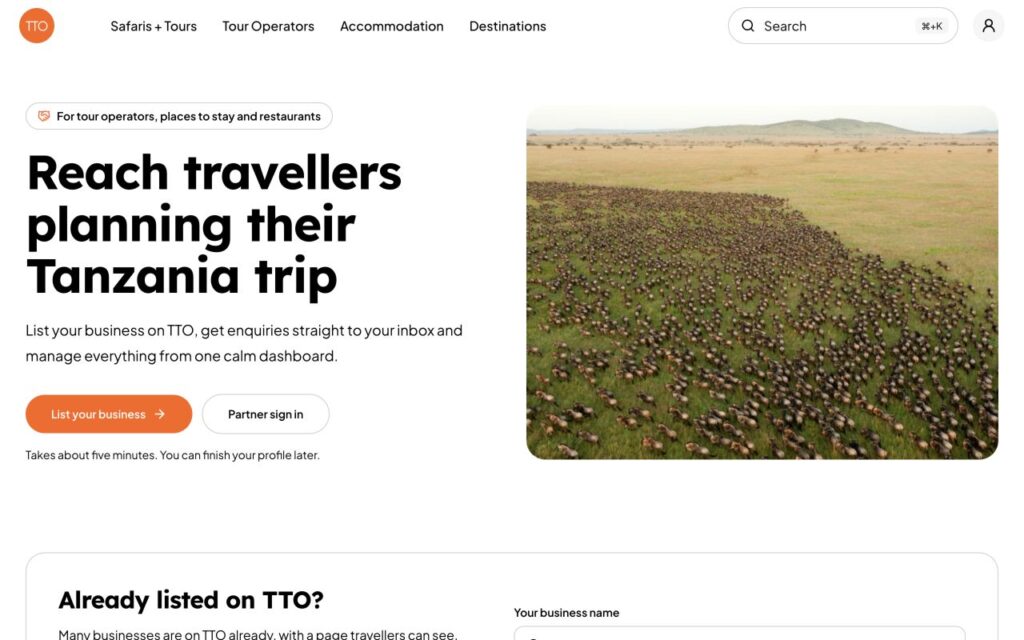
Go to the partners page and choose List your business.
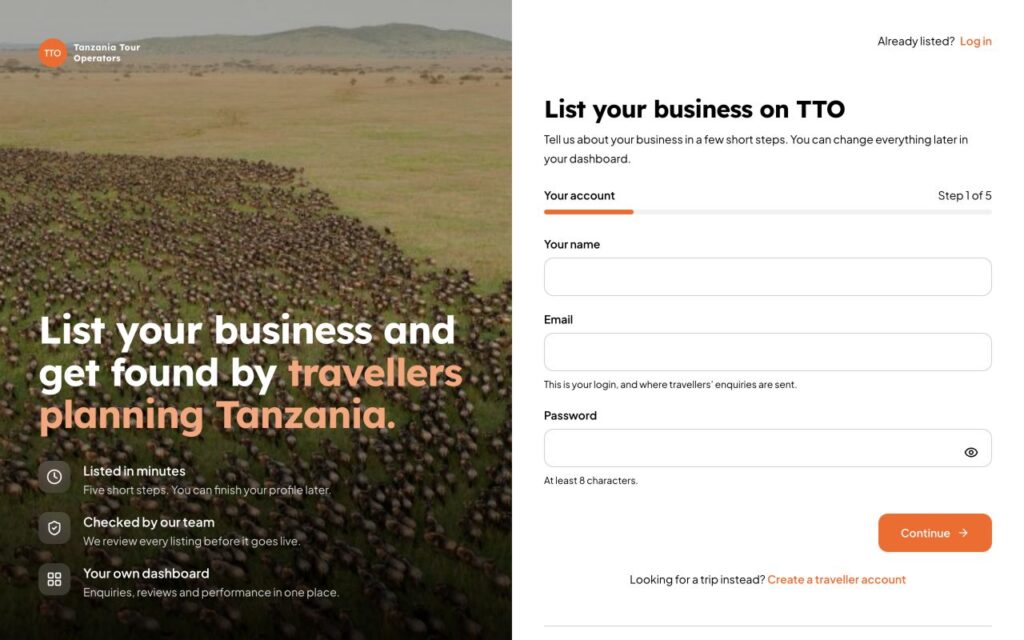
Step 1: your account
Enter your name, your email and a password of at least 8 characters. Your email is your login, and it is also where travellers’ enquiries are sent. You can choose other recipients later in Contacts.
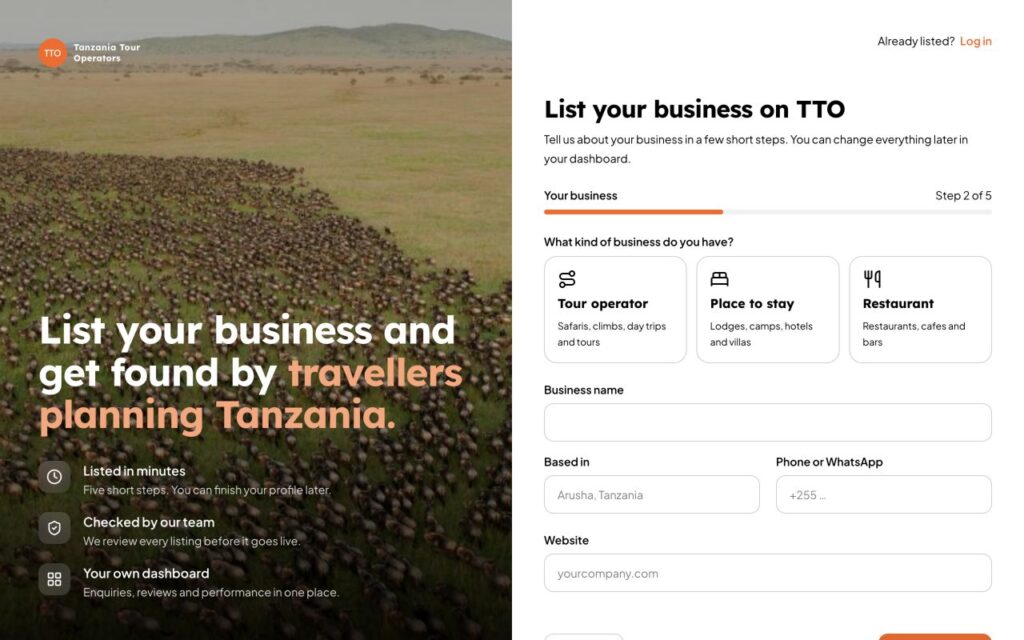
Step 2: your business
Choose what kind of business you have: Tour operator, Place to stay or Restaurant. Then add the business name, where you are based, a phone or WhatsApp number and your website.
Steps 3 to 5
- Details: a short summary (at least 20 characters) and a text about your business (at least 350 characters), plus the details that fit your kind of business.
- Photos and documents: a cover photo and, for operators, your logo and licences. See the full list.
- Review: tick the Partner Terms and Editorial Guidelines, and confirm the details are right.
When you send it, our team checks your listing. Read what happens next.