
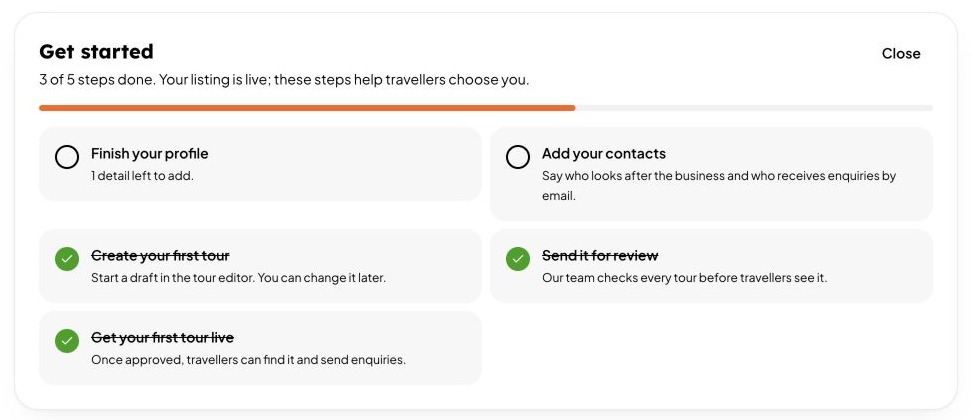
Once your listing is live, a Get started card on your Overview shows what to do next. Done steps turn green and the card disappears when everything is finished. You can close it at any time.
For tour operators
- Finish your profile. It shows how many details are left.
- Add your contacts. Say who looks after the business and who receives enquiries. See Contacts.
- Create your first tour. Travellers choose a business by its tours.
- Send it for review. Our team checks every tour.
- Get your first tour live. Once approved, travellers can find it and send enquiries.
For places to stay and restaurants
- Finish your profile.
- Add photos. A cover photo and at least 6 gallery photos.
- Add room types (stays) or opening hours (restaurants).
- Add your contacts.
A reminder from us
If you have not started 72 hours after going live, we send you one email listing what is left. It comes once, so it is easy to find.