
The Contacts page lets you add the people behind your business and choose who receives enquiries by email. Travellers never see these details.
Add people
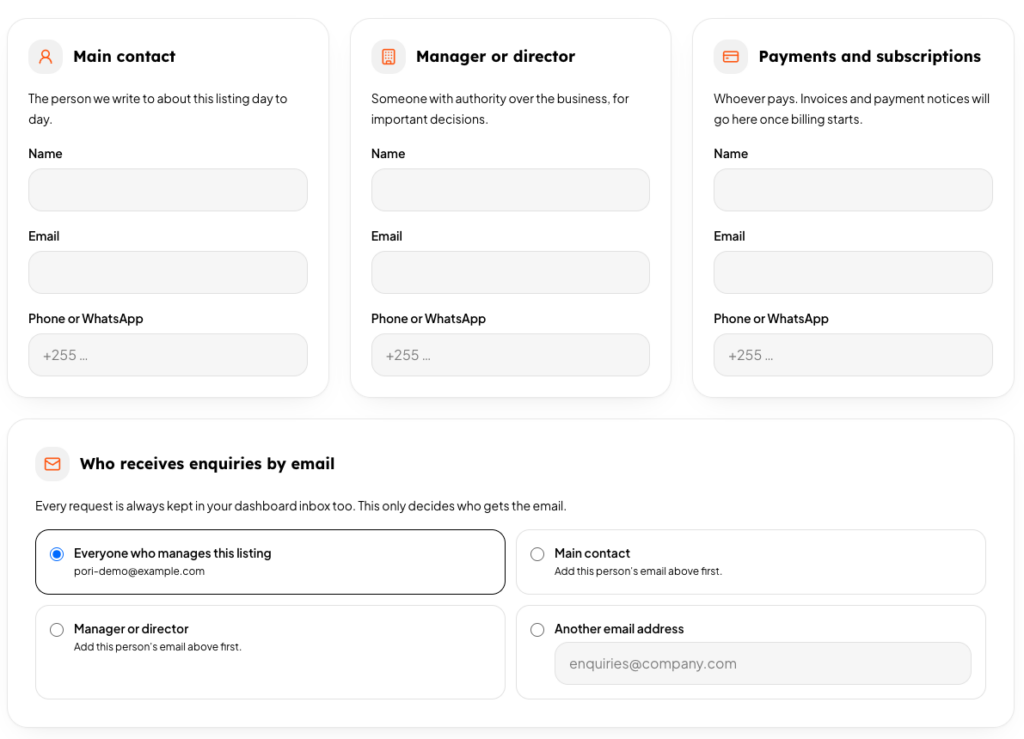
Press Add a person, then choose a role and fill in a name, email and phone or WhatsApp number.
- Main contact: day to day questions about the listing.
- Manager or director: important decisions for the business.
- Payments and subscriptions: invoices and payment notices, once billing starts.
- Other: anyone else, such as a reservations desk.
Choose who gets enquiries
Each person has a Receives enquiries by email switch. You can switch on as many people as you like. The Account owners card at the top controls whether the sign-in emails of your listing also receive them.
If nobody usable is switched on, the account owners receive the email, so you never miss a request. Every enquiry is also kept in your dashboard inbox, whoever gets the email.