
Travellers choose a business by its tours, so your first tour is the most important thing you can add.
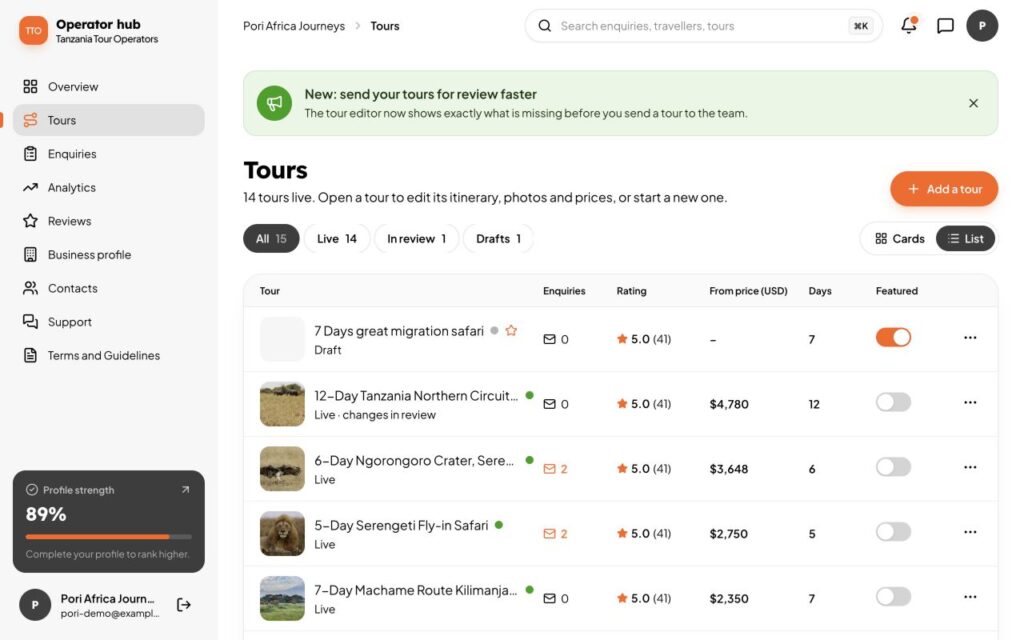
1. Start a draft
Open Tours in the sidebar and choose Add a tour. Give it a title. It is saved as a draft that only you can see.
2. Fill in the details
The tour editor walks you through the trip: the day-by-day itinerary, prices, what is included and excluded, the best months, photos and more. You can save at any time and come back later.
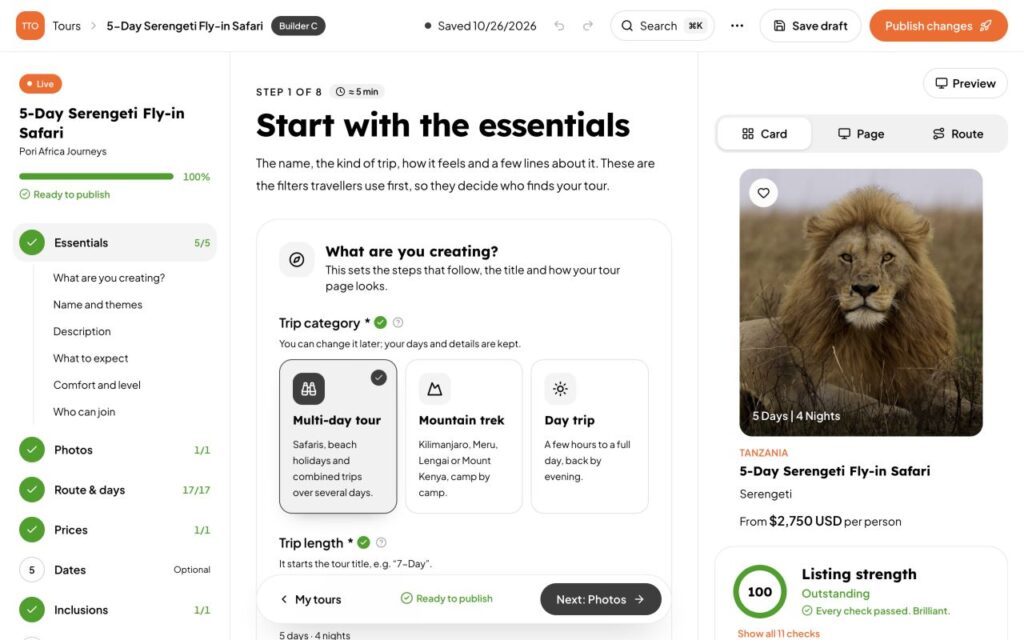
3. Send it for review
When it is ready, choose Send for review (or Save and send for review). Our team checks it, usually within 48 to 72 hours, and emails you when it is live.
What the labels mean
- Draft: only you can see it.
- In review: the team is checking it.
- Live: travellers can find and enquire about it.
- Offline: hidden from travellers until you put it back online.